Smart Device Setup Guides for Everyday Use

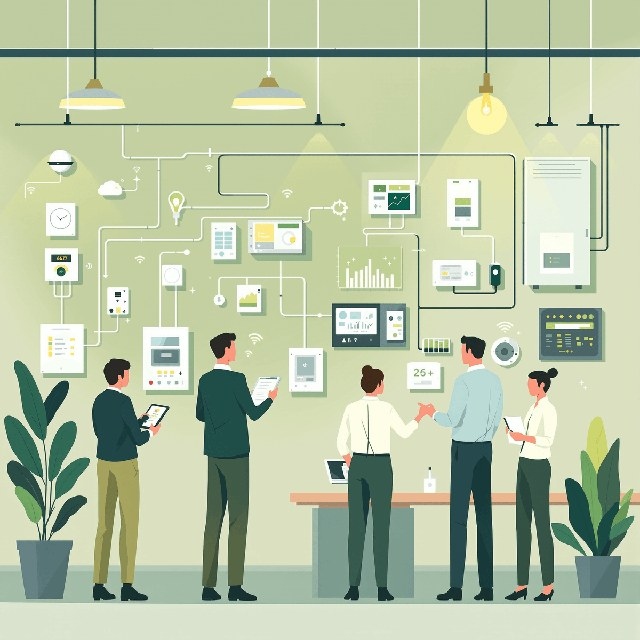
Setting up a smart home device can involve more than downloading an app and connecting to Wi-Fi. Different devices may require compatible hubs, specific network settings, pairing codes, or additional configuration steps. Our goal is to help you understand what your device needs, complete the setup process, and identify common problems when something does not work as expected.

Explore Smart Device Setup Guides

Hot News

View all

New News

View all
Smart LightingRhett Hale2026-11-03

Choosing Smart Dimmers for Incandescent, Halogen and LED Lighting

Smart dimmer compatibility depends on the lamp type, dimming method, wiring and wireless ecosystem. This guide explains those requirements and compares five Vesternet options, including behind-switch modules and the wall-mounted Aqara H2.

Smart SpeakersShade Ridge2026-10-27

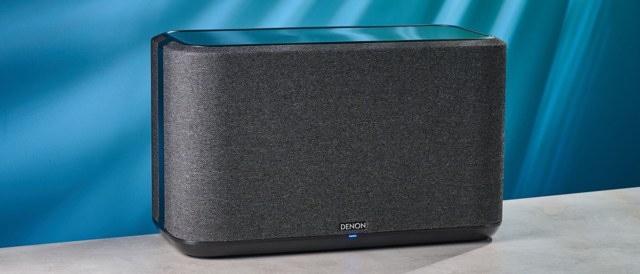
Denon Home 350 Review: Rich, Room-Filling Sound at a Premium Price

Tom’s Guide found the Denon Home 350 impressive for its detailed, powerful sound, responsive controls and straightforward HEOS multi-room setup. Extensive connectivity and voice assistant support add versatility, though its high price is the main drawback.

Smart Lighting

View all

Smart Plugs

View all
Sonoff S61s vs ThirdReality E2: Choosing Matter or Zigbee for Your Smart Plug
Smart Plugs2026-11-03

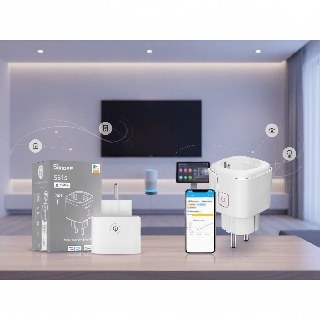
The Sonoff Smart iPlug Gen2 S61s combines hub-free Matter over Wi-Fi connectivity with detailed energy reporting, while the ThirdReality Smart Plug E2 adds Zigbee mesh repeating and power state recovery. The better fit depends on your existing network, preferred platforms and monitoring needs.

Connect a Kasa Smart Plug to Wi-Fi With the Kasa App
Smart Plugs2026-10-27

Set up a TP-Link Kasa smart plug on a 2.4 GHz home network using the Kasa app. This walkthrough covers Android and iOS connections, device settings, and setup troubleshooting.

Tapo Smart Plugs Explained: Compatibility, Controls, and Troubleshooting
Smart Plugs2026-10-27

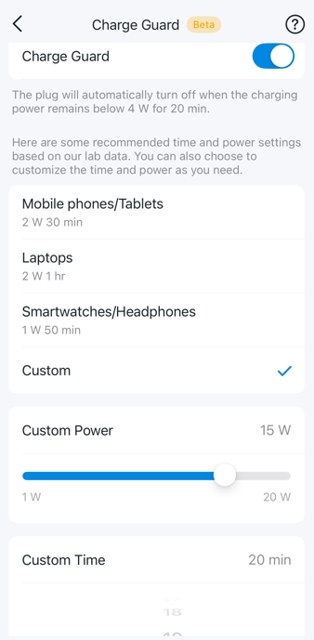
Find answers about Tapo P100, P105, P110, and P115 features, network requirements, app controls, and energy monitoring. Learn about scheduling limits, Charge Guard, and where to seek troubleshooting help.

Using Tapo Energy Monitoring: Usage Charts, Billing, and Power Protection
Smart Plugs2026-10-27

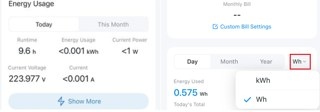
Learn how Tapo energy monitoring displays live power, tracks consumption, estimates bills, and exports data. The guide also explains billing options and configurable overload protection.

Five Ways to Troubleshoot an Unresponsive Amazon Smart Plug
Smart Plugs2026-10-27

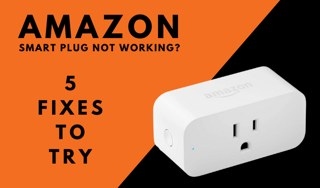
If your Amazon Smart Plug stops responding or will not complete setup, work through updates, setup checks, outlet power, and router troubleshooting. Use a factory reset only after the other fixes fail.

Smart Speakers

View all

Smart Sensors

View all

From the desk

A short editorial briefing. No noise — just the stories worth the column inches.