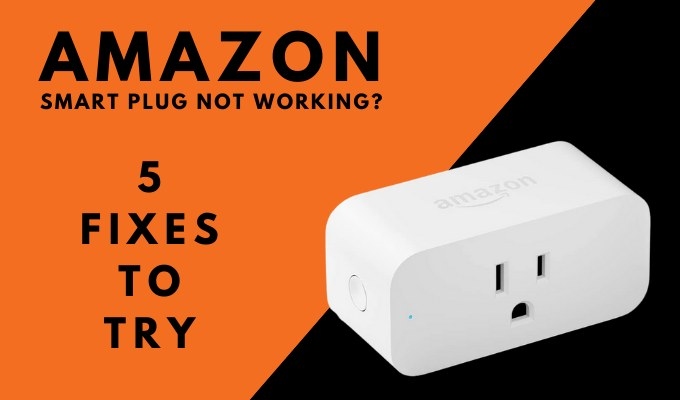
Smart plugs offer a simple, affordable way to control ordinary appliances by switching their power supply. They can turn lamps into smart lighting or let you check whether an iron is on. But Wi-Fi interruptions, missed signals, and other glitches can prevent an Amazon Smart Plug from responding or completing setup.
Check for Updates
Start by ensuring that both the Amazon Alexa app and your plug have the latest updates. Alexa should prompt you when an app update is available.
Your Amazon Smart Plug should update automatically over Wi-Fi. If it does not, unplug it for about 15 seconds, then reconnect it to prompt an update.
To check manually, choose the plug in the Alexa app's Devices menu and tap the gear icon at the top right. Compare Device software version with the latest release for the plug.
Check Setup Conditions
During setup, keep your phone within 30 feet of the plug to avoid connection problems caused by distance. After the plug joins your network, you can control it remotely.
Disable the phone's low-power or power-saving mode while setting up the device. Charge the phone for a few minutes first if necessary.
If setting up with a barcode, scan the code in the quick start guide instead of the one on the plug's back. This avoids unplugging the device to reach the code.
Verify That the Outlet Has Power
Some outlets receive power through a wall switch. If yours does, check that the switch is supplying power to the plug.
If the outlet is not switch-controlled, test it with a lamp or another device. An unpowered outlet could indicate a tripped fuse or a short in its wiring. Anyone experienced in electrical work could also use a voltmeter to check the outlet's output.
Restart the Router
Restarting a router often restores communication with an unresponsive smart device. The procedure varies by model, but unplugging the router and reconnecting it may be sufficient.
As the router reconnects to devices on your Wi-Fi network, it may clear glitches disrupting communication.
Factory-Reset the Plug
Reserve a factory reset for when the other checks fail. It deregisters the plug from your account, so you must complete setup again.
Find the side button on your Amazon Smart Plug and hold it for 12 seconds. When the LED starts flashing red and blue, the plug is ready to be set up again.